In industrial fields such as wire and cable, pipe marking, and electrical control, tube printer machines and ribbon slitting machines are key equipment to improve marking efficiency and professionalism. In the face of many brands and models on the market, how to choose the right equipment for their needs has become a problem faced by many users. This article will focus on the five major issues that users are most concerned about and provide a practical purchasing guide.
Question 1: How to choose the right model according to the frequency of use and workload?
Solution:
1. Low-frequency/low-volume users (several times a month, dozens of logos each time)
◦ Recommended: Basic portable wire numbering machine
◦ Features: Economical price, simple operation, small size
◦ Suitable for: small repair shops, engineering departments that occasionally need to be marked
2. Medium frequency users (weekly use, thousands of logos per month)
◦ Recommended: standard wire number machine + small slitting machine
◦ Features: Moderate printing speed, good durability, and comprehensive functions
◦ Suitable for: small and medium-sized production enterprises, equipment maintenance departments
3. High-frequency/high-volume users (continuous use every day, tens of thousands of logos per month)
◦ Recommended: Industrial grade wire numbering machine + automatic slitting machine
◦ Features: high-speed printing, automatic tube cutting, continuous tape supply, strong durability
◦ Suitable for: large manufacturing enterprises, professional identification service providers
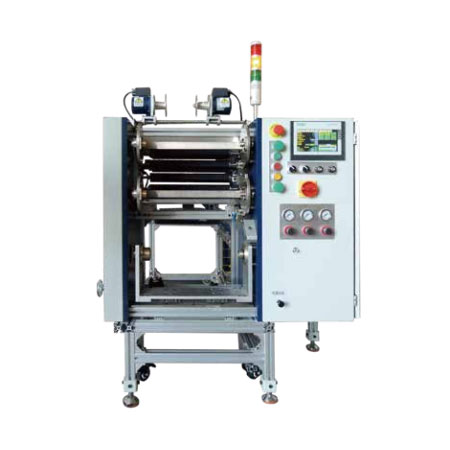
Question 2: How to evaluate the compatibility of tube printer machine and ribbon slitting machine?
Key considerations:
1. Interface matching: Ensure that the output size of the slitting machine is consistent with the ribbon specifications supported by the tube printer machine
2. Material Compatibility:
◦ Confirm that the device supports your commonly used casing materials (PVC, heat shrink tubing, etc.)
◦ Check if the ribbon type matches (resin-based, wax-based, or hybrid-based)
3. Brand Synergy:
◦ Devices of the same brand are usually the most compatible
◦ When using it across brands, be sure to test or consult technical parameters in advance
4. Software Support: Check if the device uses common file formats or specialized software
Question 3: How to balance the cost of consumables with the long-term economy of use?
Cost-saving strategies:
1. Calculate the cost of single identification:
◦ Consider the combined cost of casing, ribbon, maintenance, and electricity
◦ Compare the consumption rate of consumables for different models
2. Choose a Universal Consumables Compatible Device:
◦ Avoid being "locked in" by a single vendor
◦ Confirm whether the device supports third-party qualified consumables
3. Emphasize Equipment Durability:
◦ Choose a metal structure instead of an all-plastic body
◦ View the life expectancy of critical components (printheads, cutters).
◦ Consider the warranty duration and the convenience of repair services
4. Efficiency Value Calculation:
◦ Although the initial investment of high-speed equipment is high, it can save a lot of labor time in the long run
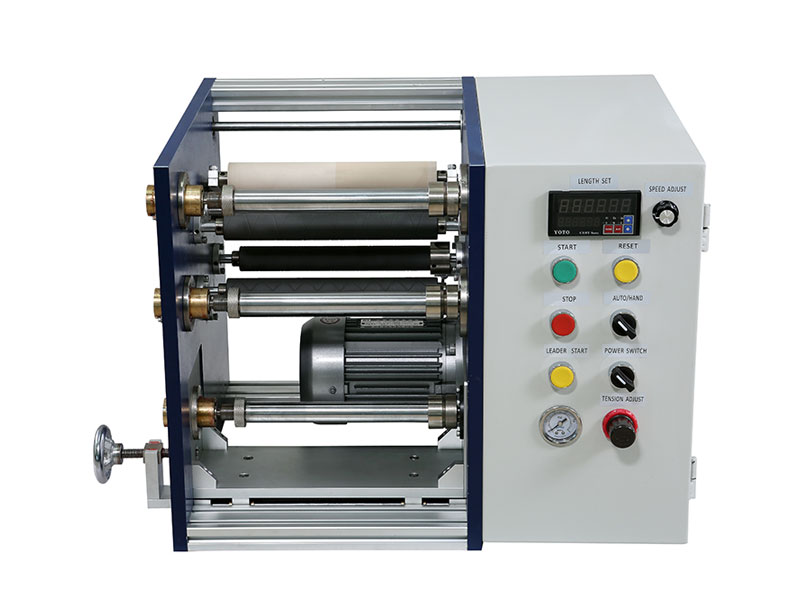
Question 4: How to meet the special needs of different industries?
Industry-specific purchasing points:
1. Power and electrical industry:
◦ Need to support high-temperature and flame-retardant sleeves
◦ The printed content needs to be clear and long-lasting, resistant to oil stains and corrosion
◦ Recommended: Models with high industrial protection level
2. Manufacturing and Assembly Lines:
◦ Emphasis on printing speed and automatic continuous job capability
◦ Integration with existing production systems needs to be considered
◦ Recommended: Models with automatic tube feeding and batch processing
3. Communication and Network Cabling:
◦ Requires support for small sleeve printing
◦ High-precision text and barcode printing is required
◦ Recommended: Equipment for high-resolution printheads
4. Outdoor Engineering and Construction:
◦ The device needs good portability and battery life
◦ The casing needs to be weather-resistant
◦ Recommended: Rugged and portable model
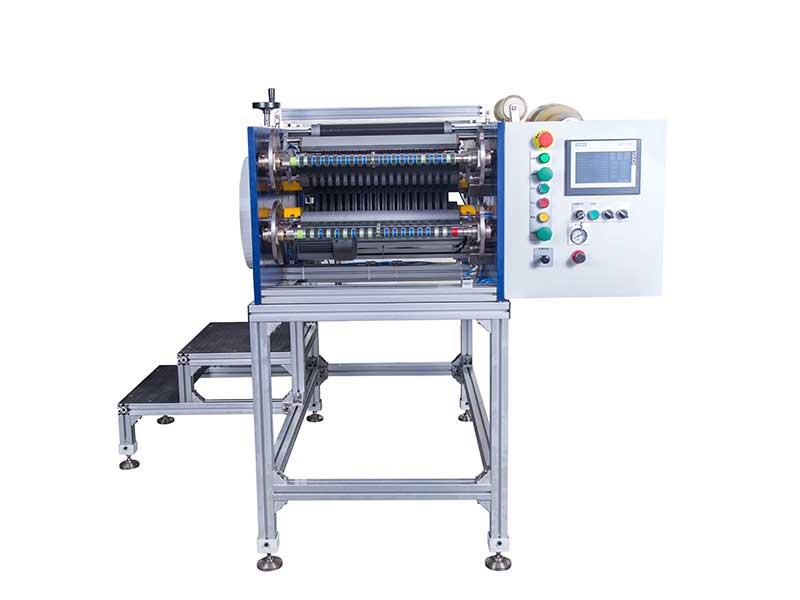
Q5: How to verify equipment performance and supplier reliability?
Verification steps before purchasing:
1. Field testing is essential:
◦ Test print with your own commonly used materials and content
◦ Check print clarity, adhesion, and durability
◦ Test the stability of continuous operations
2. Evaluate Supplier Qualifications:
◦ View the company's establishment years and industry reputation
◦ Understand after-sales service network coverage and response times
◦ Identify training and technical support resources
3. Check the technical parameters details:
◦ Print resolution (minimum 300dpi is the industry standard)
◦ Maximum print length and speed
◦ Support for a range of sleeve sizes
◦ Equipment protection level (IP rating)
4. Get User Feedback:
◦ Contact existing users to learn about the actual usage experience
◦ View device mean time between failures data
◦ Learn solutions to common problems
Summary and suggestions
When it comes to choosing between tube printer machines and ribbon slitting machines, there's no one-size-fits-all answer, and it's all about matching equipment performance to your specific needs. The following steps are recommended:
1. Clear List of Needs: Detail your frequency of use, material requirements, budget constraints, and special needs
2. Prioritize Core Needs: Determine which features are necessary and which are the icing on the cake
3. Schedule a Practical Demonstration: Compare at least 2-3 brands of equipment in actual performance
4. Consider long-term collaborations: Choose suppliers that offer ongoing support and technology updates
5. Reserve room for upgrades: Consider whether the equipment can still meet demand after business growth
The right purchasing decision not only improves the efficiency and quality of the marking work, but also significantly reduces the overall cost over the long term. Investing time in thorough purchasing research will pay off consistently for your production process.
 English
 Deutsch
 Français
 Español
 Português
 日本語
日本語 русский
 한국어
한국어 عربي
عربي ภาษาไทย
 Tiếng Việt
 Italiano
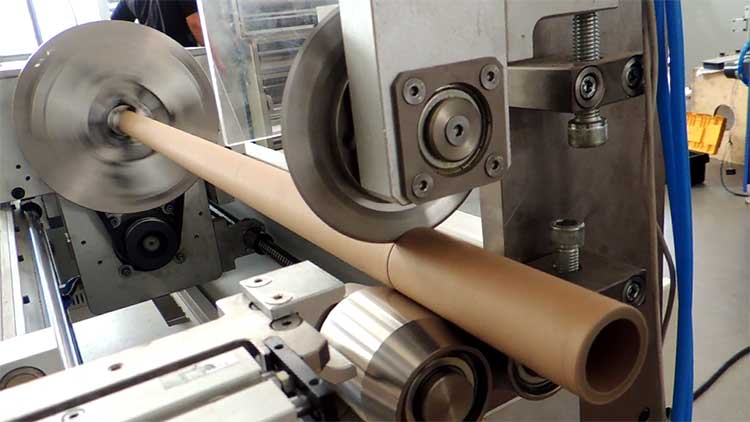
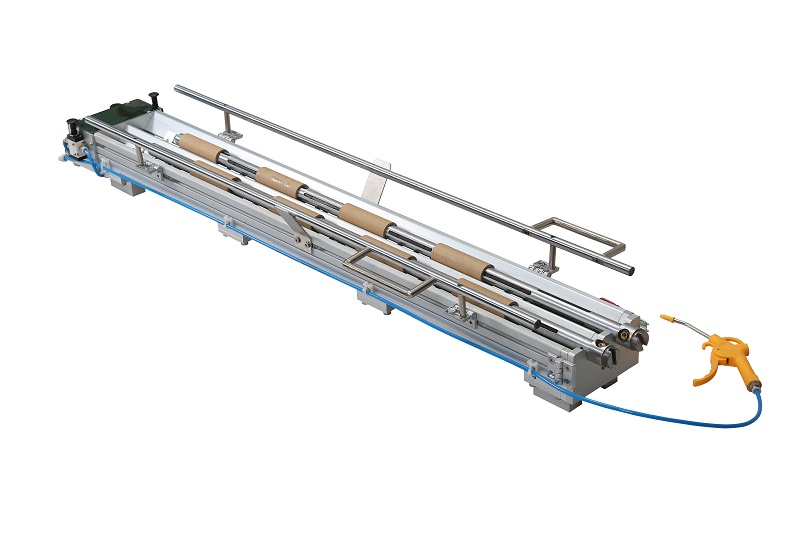 Paper Core Loading Machine
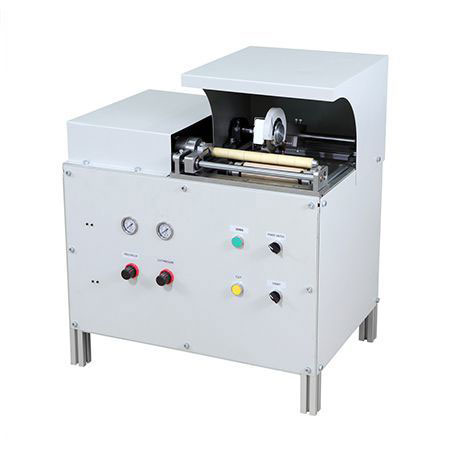 Manual Paper Core Cutter
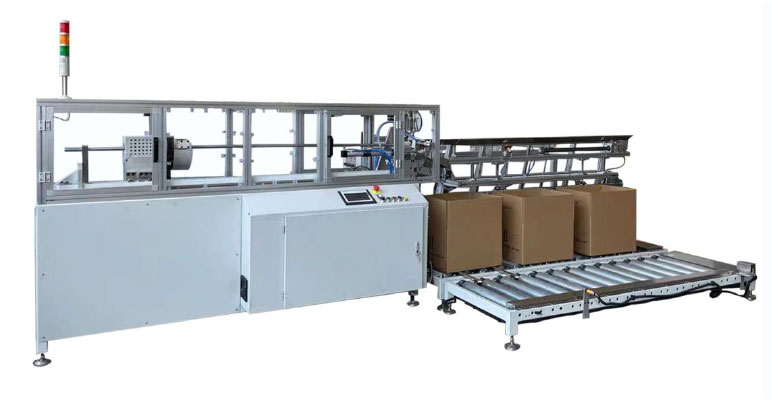 Automatic Paper Core Cutter
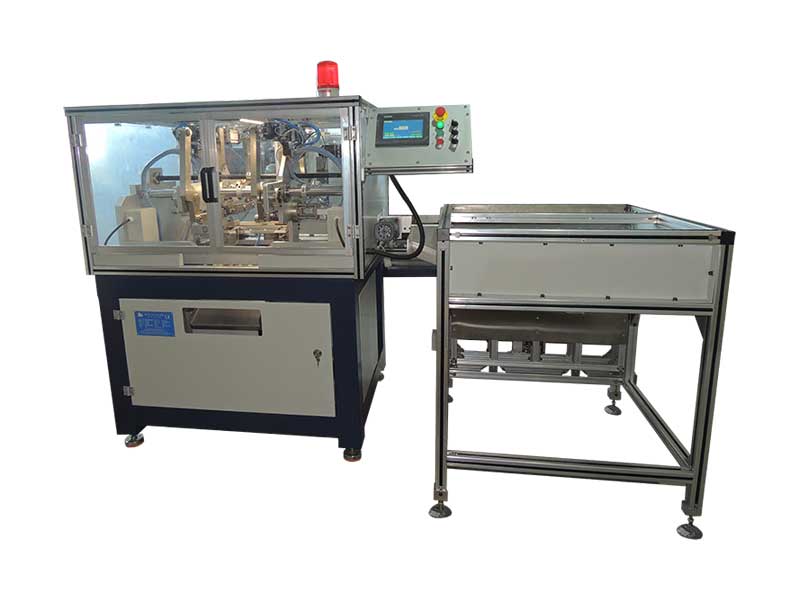 Automatic Paper Core Notch Puncher
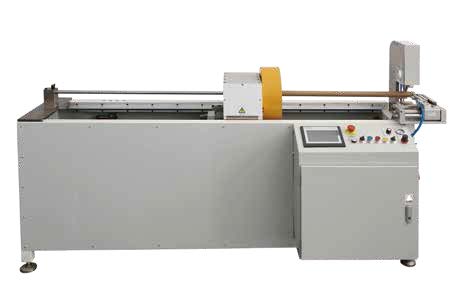 Semi Paper Core Cutter
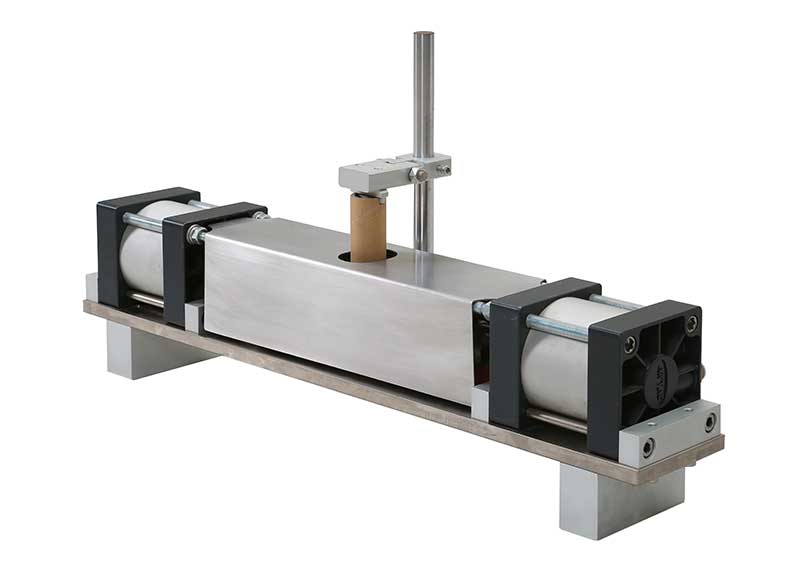 Paper Core Notch Puncher NCM-260